Websites for plumbers · Canada
Turn urgent searches into clear next steps.
A homeowner with water on the floor is scanning for three things: whether you handle the problem, whether you serve their area and how to reach you. Pagely helps organize those answers into a fast, direct plumbing website.
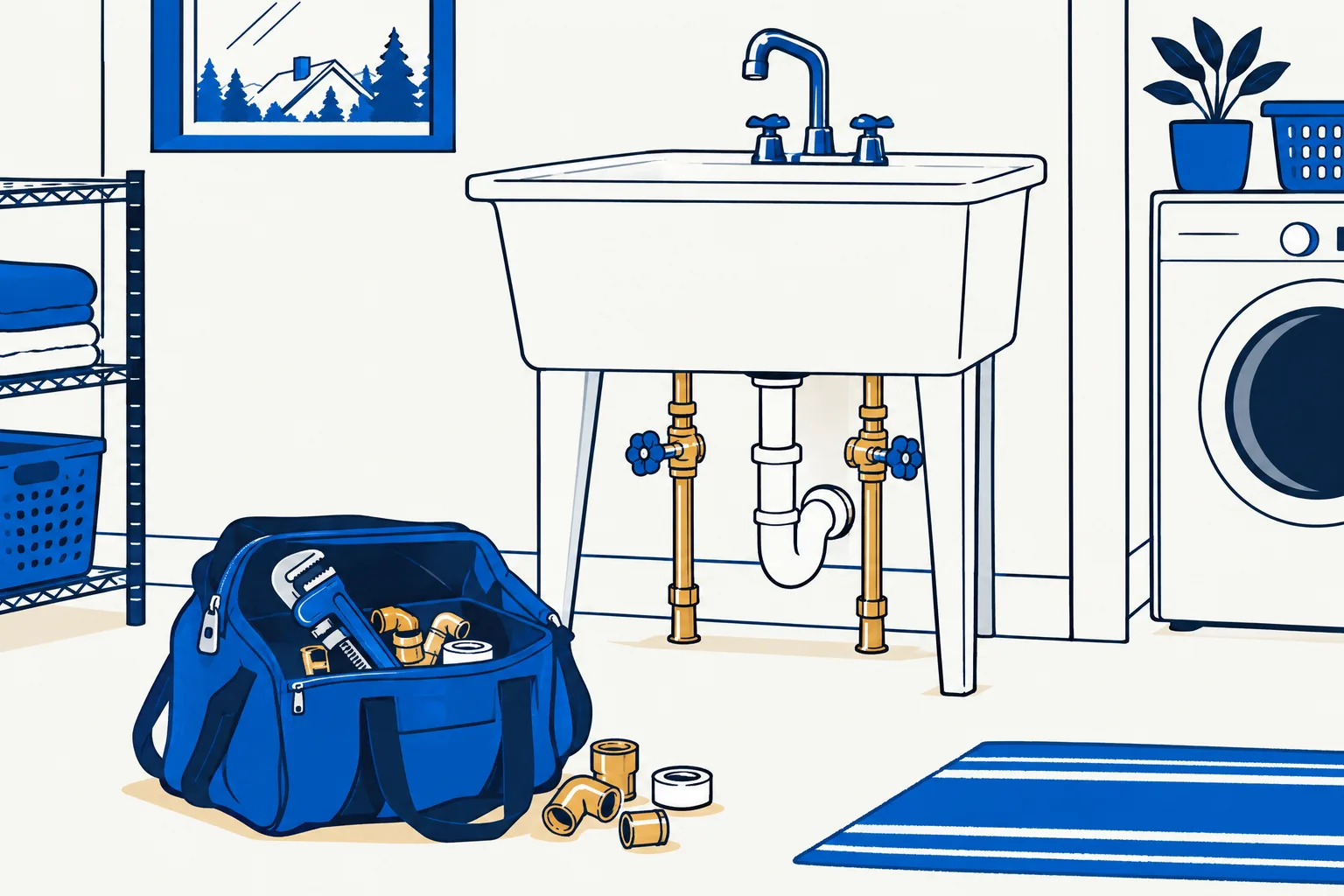
Page checklist
Answer the questions behind the search.
A useful page goes beyond repeating a phrase people search. It gives the visitor accurate services, coverage, proof and a direct next step.
Tap-to-call contact
Put the primary phone action where a mobile visitor can find it quickly.
Service breakdown
Explain repairs, installations and maintenance in the language customers use.
Coverage details
Name the communities you serve and avoid implying coverage you do not offer.
Request form
Give non-urgent customers a structured way to describe the job.
Content strategy
Make the service area unmistakable.
Plumbing is local. Your page should name the towns and neighbourhoods you actually cover, without turning a provincial service area into a vague national claim. Pagely uses the locations in your business sources and the details you confirm to shape headings, calls to action and contact information.
Separate urgent work from planned projects. A visitor looking for a burst-pipe response needs a direct call path, while someone planning a bathroom renovation wants evidence of the scope and process. Clear sections help each customer find the right next step without reading the entire page.
Proof and conversion
Use proof a homeowner can verify.
Licences, years in business, warranties and round-the-clock availability should only appear when your sources support them. Pagely checks generated copy against the gathered brief, and you review the draft before it goes live.
Real reviews and project photos can answer concerns that generic copy cannot. Choose examples that show the type of work you want more of, and keep captions tied to what the image actually shows.
Put it into practice
Worked example: a no-hot-water visit
Lead with “Hot water tank repair and replacement in Moncton, Dieppe and Riverview” only if that service area is confirmed. Follow it with the tank types handled, the details to have ready when calling, and the real service hours. Keep emergency language off the page unless after-hours response is actually available.
Phrases people search
emergency plumber near me, hot water tank repair, drain cleaning, bathroom plumbing renovation.
Related practical guides
Go deeper on this decision.
Write a focused service page
Read the guide →Build a local SEO foundation
Read the guide →
From brief to website
Bring the facts. Review the result.
Pagely can read public business sources and the details you provide, build a first draft, then check generated claims against that source brief. You inspect the design and make changes before publishing. Start free on a Pagely address and connect your own domain with Pro.
Learn how the AI website builder handles business facts or compare current plan limits.
The strongest page is specific enough to be recognized by the people who know the business.
Examples
Examples for plumbers
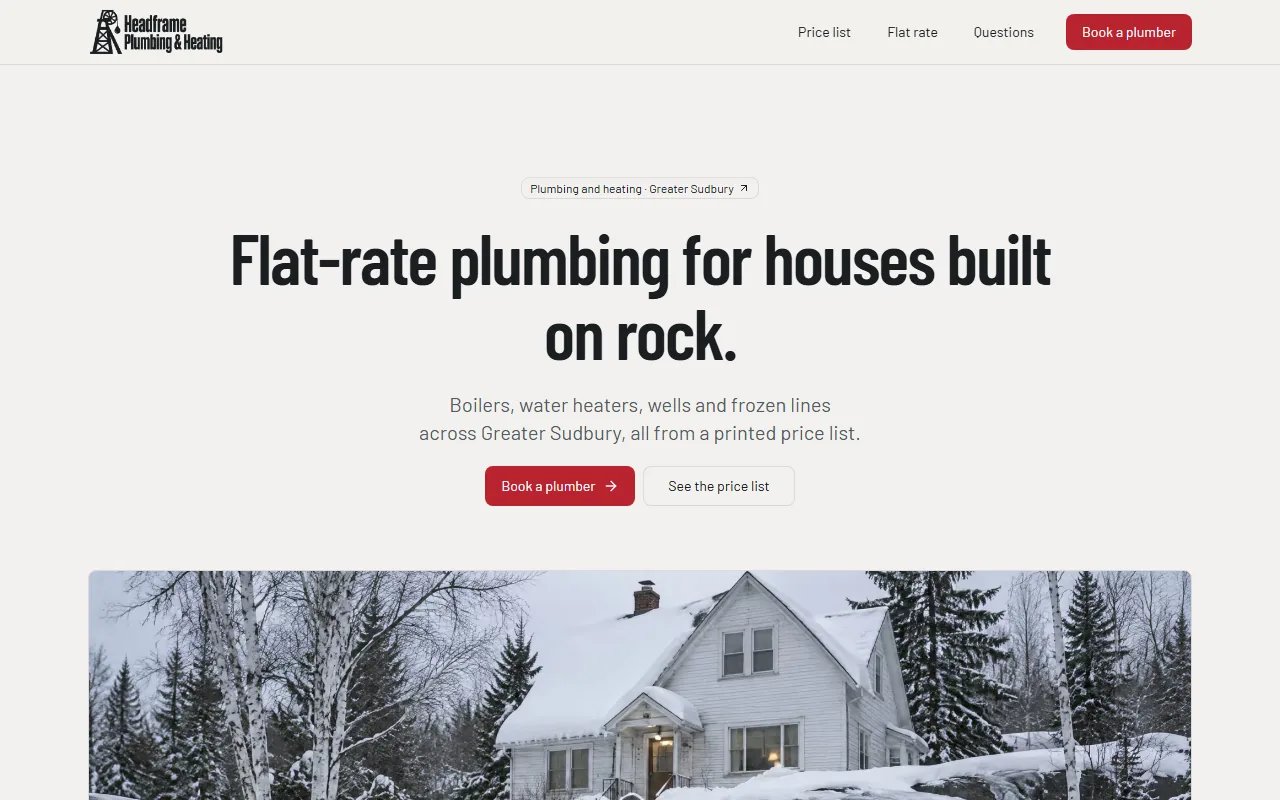
Concept sites are for fictional businesses, built only from what the editor offers, with AI-generated photos. See every example.
Built by Canadians, for Canadians
Build a website for your plumbing business.
Enter your business name and town. Review the first draft before you decide whether to publish.