From business name to website
Your business has a story. Start with the facts.
Tell Pagely your business name and town. It gathers the public details you want to use, builds a distinct website, then puts you in control of what goes live.

The process
Research, review, publish.
The same path works whether you are launching your first website or refreshing a site that no longer fits the business.
- 01Research
Hours, services, reviews and existing pages become a source brief.
- 02Review
Claims are checked against the brief before the page is ready.
- 03Publish
Approve the result and put it live on a Pagely address or your domain.
01 / Research
Begin with what is already true.
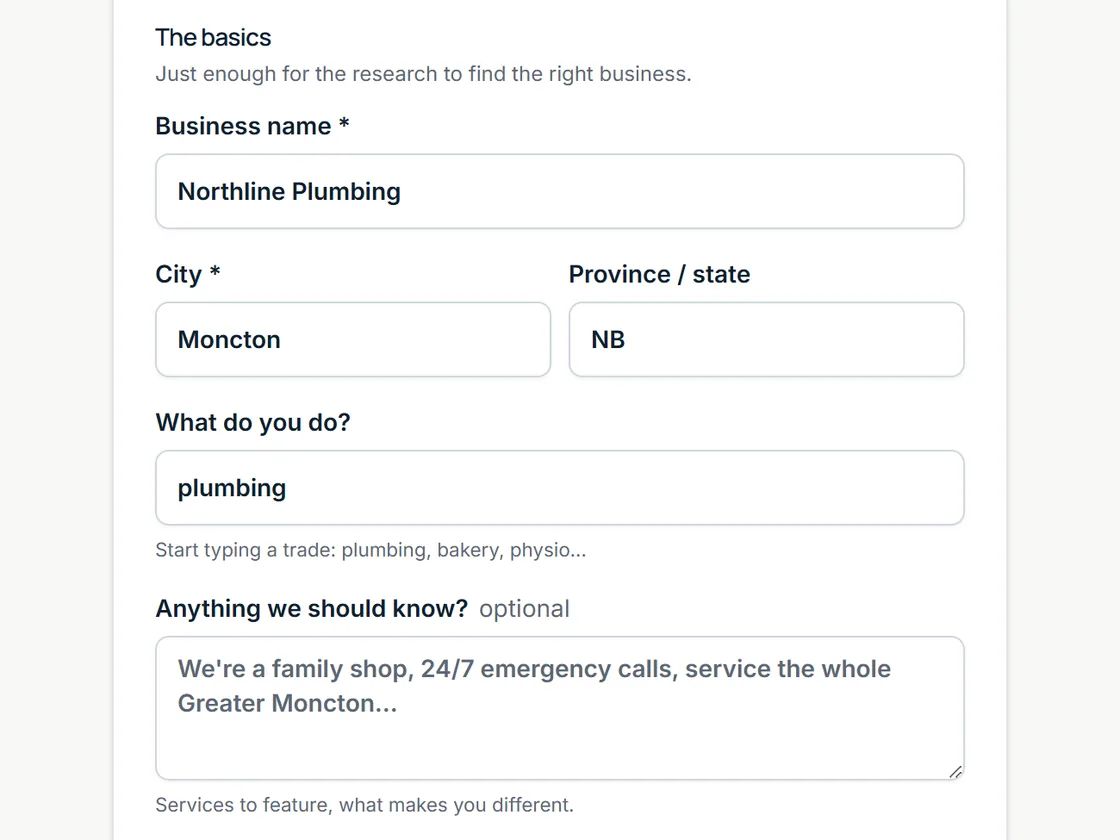
Enter the name, town and a link to your Google Business Profile or existing website. Pagely reads the details it can find, such as services, hours, location, reviews and photos, into a source brief. You can fill in missing details and choose what matters most.
A carpenter and a salon should not sound like the same business with nouns swapped. The source brief gives the copy a real subject and a reason to be specific.
02 / Review
A design you can inspect before it goes live.
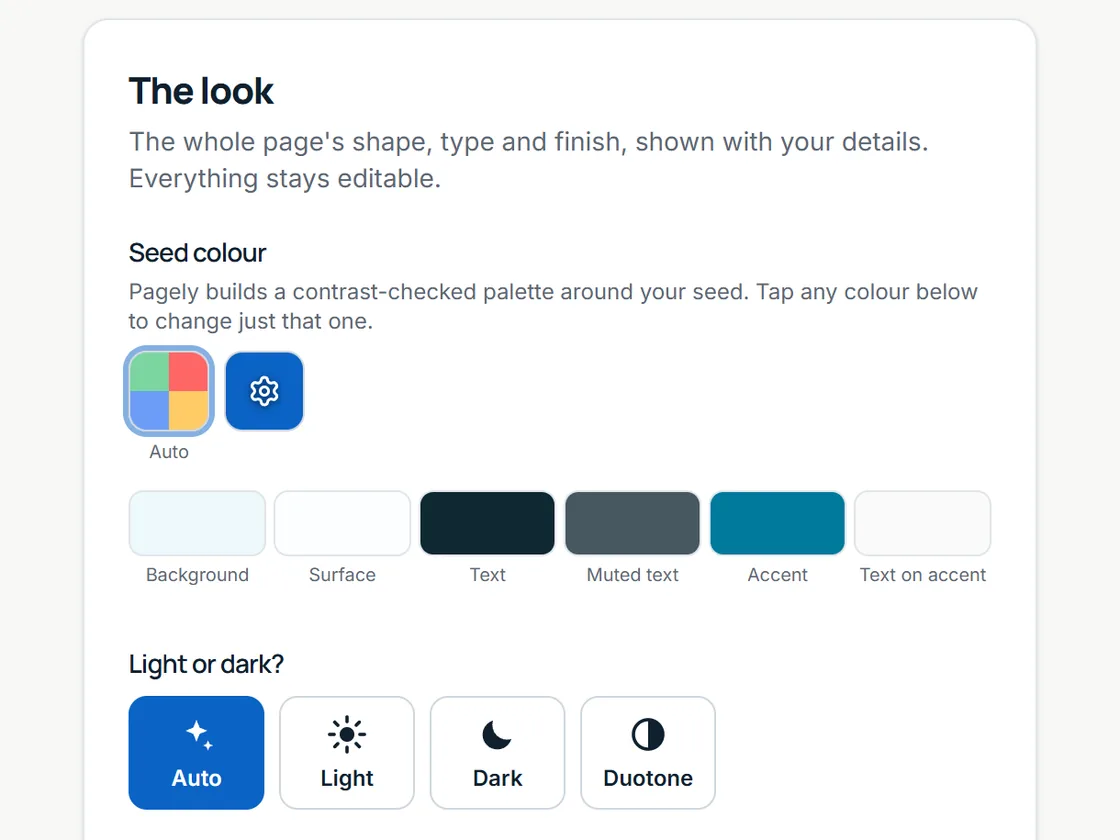
Pagely selects a layout, type pairing, colours and section structure that fit the brief. It drafts your page using the facts gathered, then checks the finished claims against those sources. A claim that cannot be supported should not make it into the page.
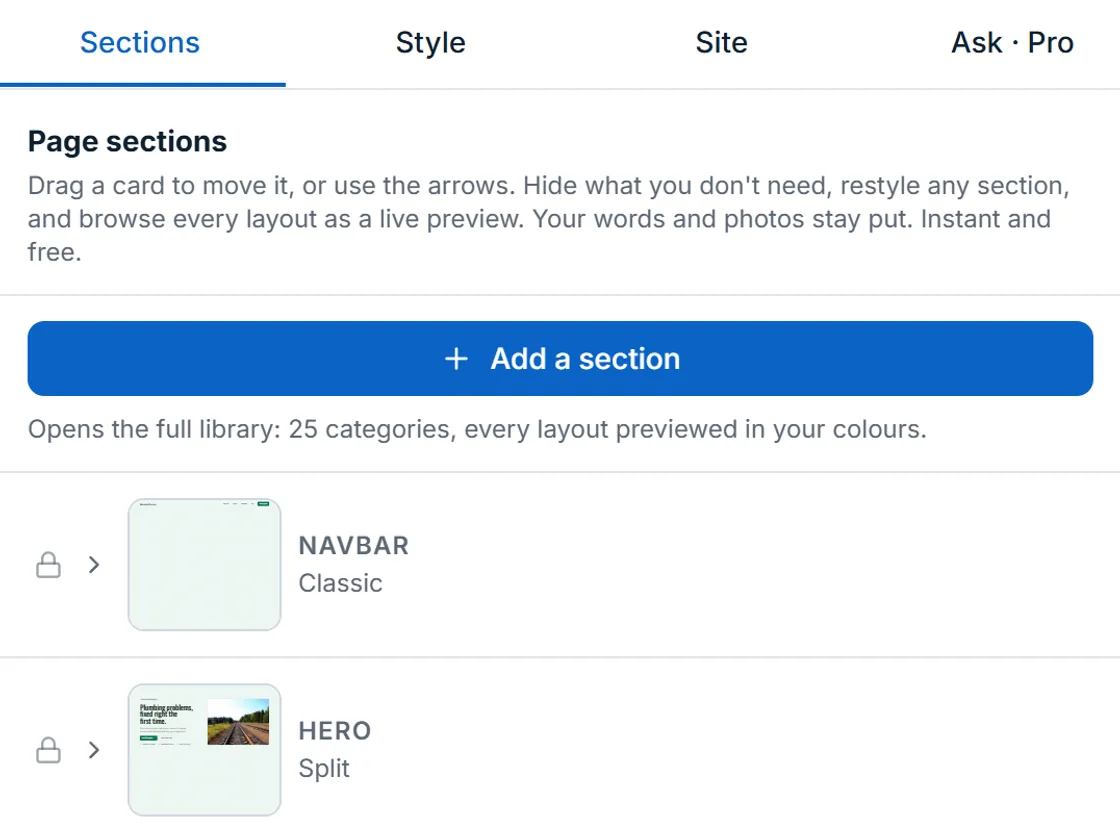
Review the preview, change the tone or choose a different visual direction. You can edit text and photos directly, or ask for changes in everyday language. The design is yours to refine before publication.
03 / Publish
Put your work on a real address.
Publish the approved site to a Pagely subdomain on Free. If you want customers to find it on your own domain, Pro supports a custom domain and removes the Pagely footer badge. Pagely serves the published HTML and CSS through Cloudflare's network.
After publishing, the editor remains available. Update a service, replace a photo, or ask for a new section as your business changes. Your dashboard also helps you manage form submissions and site settings.
Examples
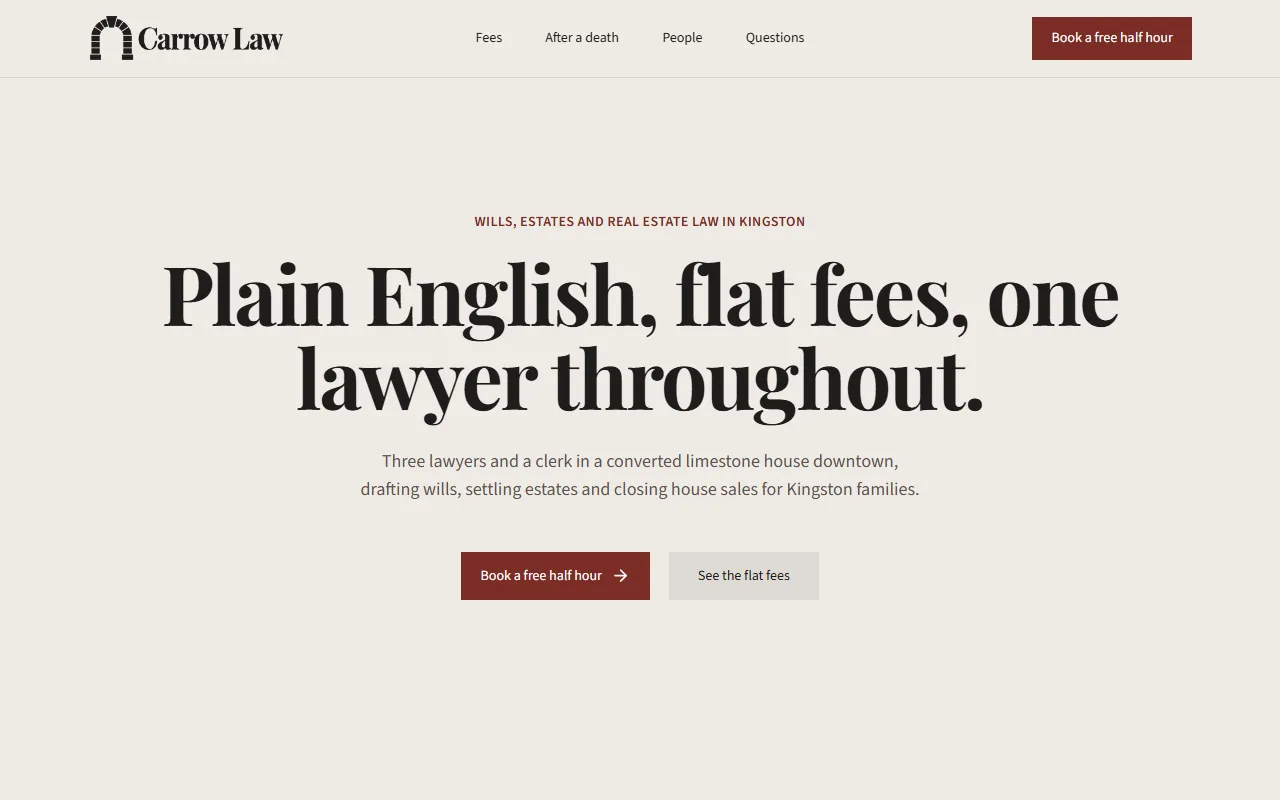
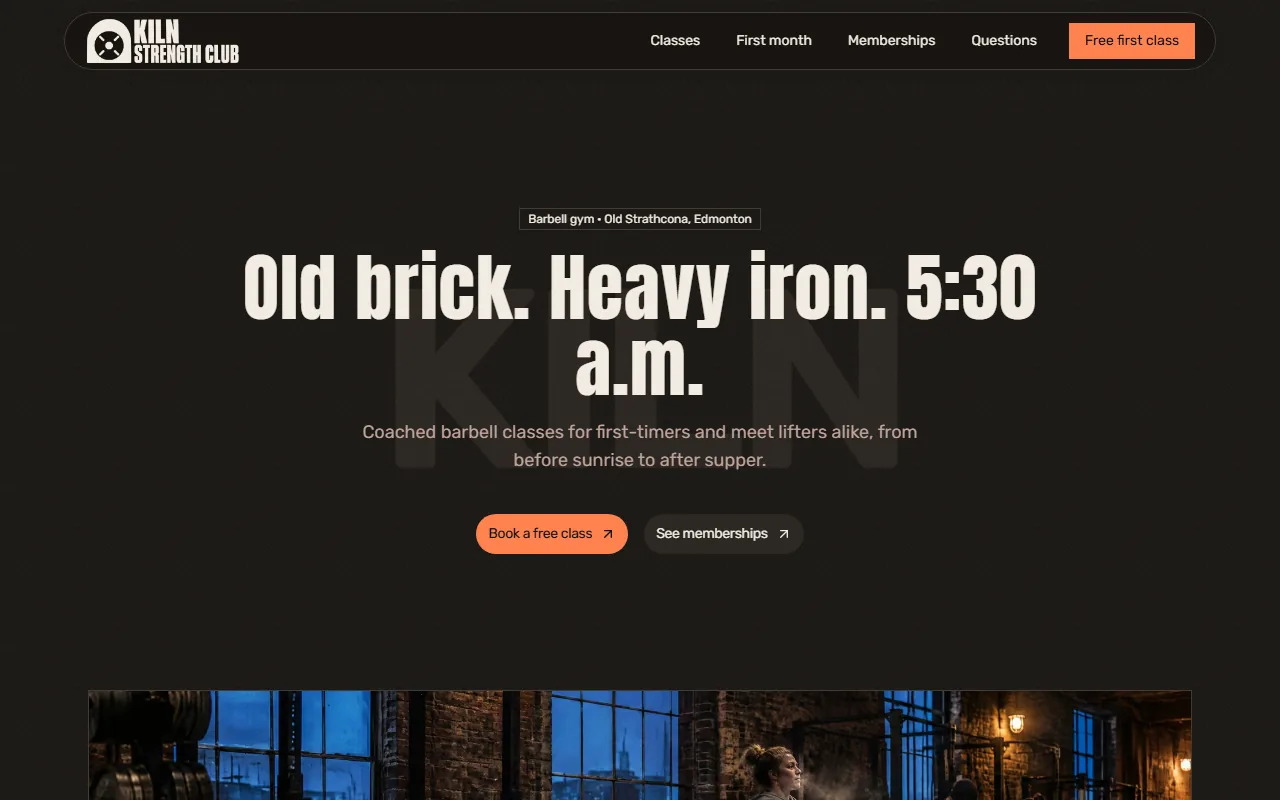
Different businesses. Different pages.
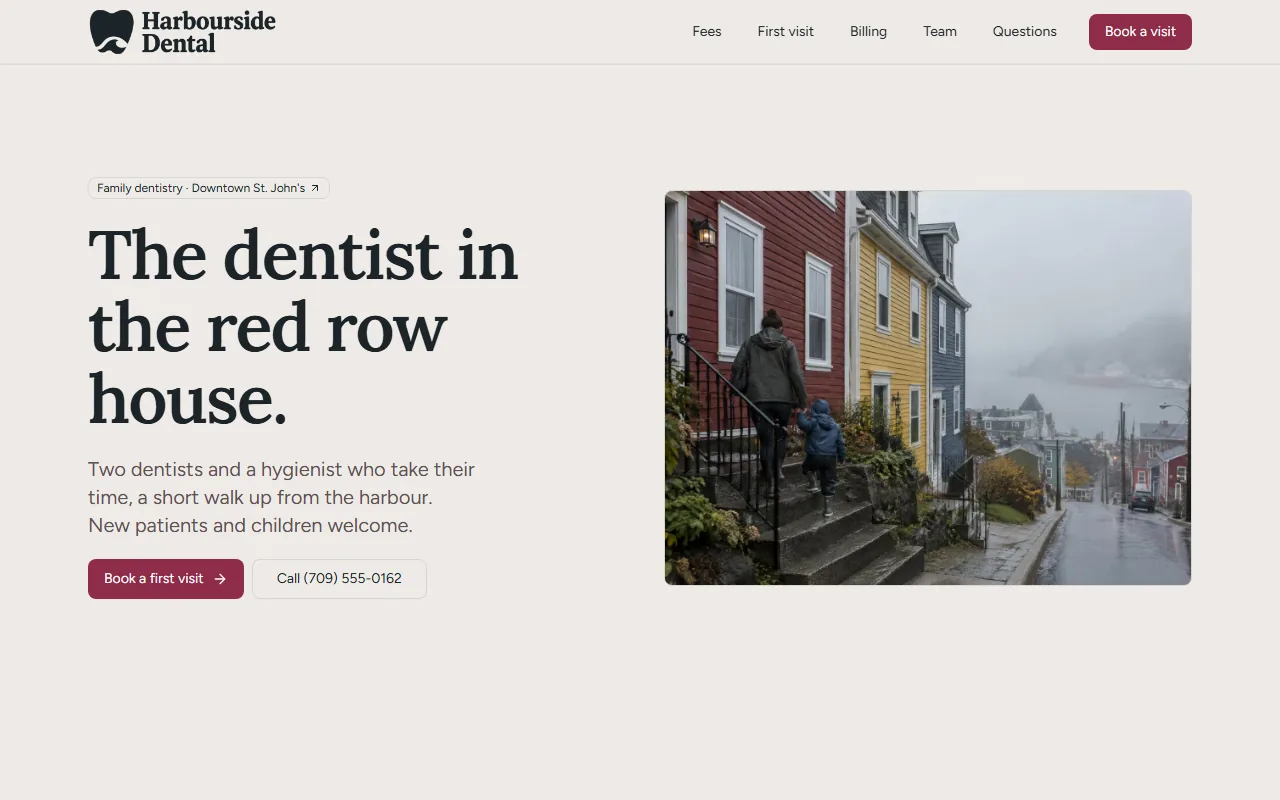
Concept sites are for fictional businesses, built only from what the editor offers, with AI-generated photos. See every example.
Built by Canadians, for Canadians
Tell us your business name. See the result.
Start with a name and a town. Review the page before deciding whether to publish it.