Websites for salons · Canada
Turn your atmosphere into an invitation.
A salon website carries both practical information and a sense of the visit. Pagely helps connect service details, team information, booking and photography in a design that feels consistent with the space.

Page checklist
Answer the questions behind the search.
A useful page goes beyond repeating a phrase people search. It gives the visitor accurate services, coverage, proof and a direct next step.
Service guidance
Explain what clients need to know before selecting an appointment.
Booking connection
Send visitors to the booking tool or contact method you already use.
Team and specialties
Help clients find the right stylist with current, confirmed details.
Visual character
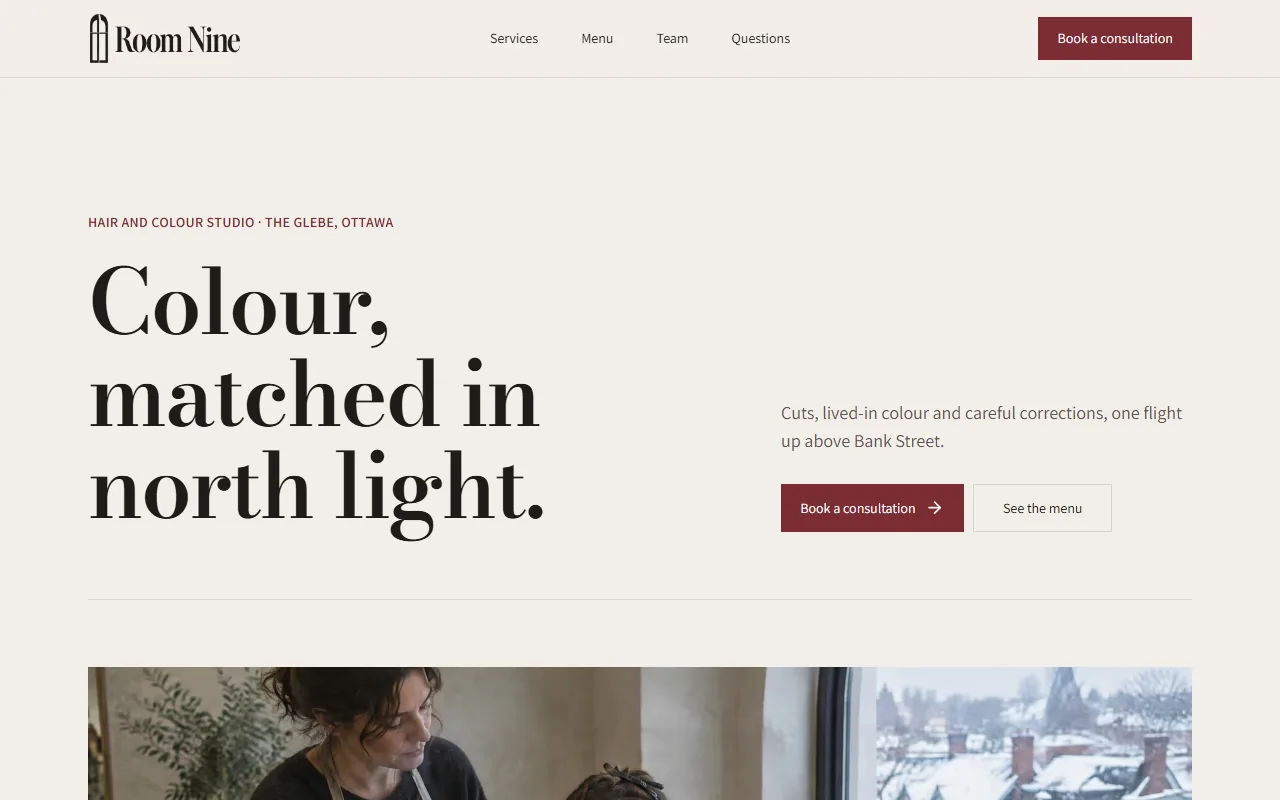
Use the space and finished work to communicate the salon's real atmosphere.
Content strategy
Help clients choose before they book.
Service names can mean different things from one salon to another. Explain the useful distinction between cuts, colour, treatments, styling or specialties, and link to the booking system the business actually uses.
Team information is especially useful when clients book by stylist. Include current names, roles and specialties only when confirmed, then make the booking action easy to find on a phone.
Proof and conversion
Use imagery to set honest expectations.
Photography can show the space, finished work and visual character without making unsupported claims. Choose images from your actual business when possible. Generated imagery should not be presented as a real client result.
Keep hours, location, accessibility and cancellation information current. These details often answer the questions standing between a visitor and a booking, and they are more valuable than generic copy about transformation or luxury.
Put it into practice
Worked example: a new colour client
A colour page can explain the confirmed services, whether new clients need a consultation, and where the booking link leads. Show real finished work with permission and identify any image that is illustrative. Keep stylist specialties and pricing current so a client does not choose an appointment from outdated information.
Phrases people search
hair salon near me, hair colour appointment, salon booking, local hairstylist.
Related practical guides
Go deeper on this decision.
Prepare images for a business website
Read the guide →Keep your Google profile accurate
Read the guide →
From brief to website
Bring the facts. Review the result.
Pagely can read public business sources and the details you provide, build a first draft, then check generated claims against that source brief. You inspect the design and make changes before publishing. Start free on a Pagely address and connect your own domain with Pro.
Learn how the AI website builder handles business facts or compare current plan limits.
The strongest page is specific enough to be recognized by the people who know the business.
Examples
Examples for salons
Concept sites are for fictional businesses, built only from what the editor offers, with AI-generated photos. See every example.
Built by Canadians, for Canadians
Build a website for your salon.
Enter your business name and town. Review the first draft before you decide whether to publish.