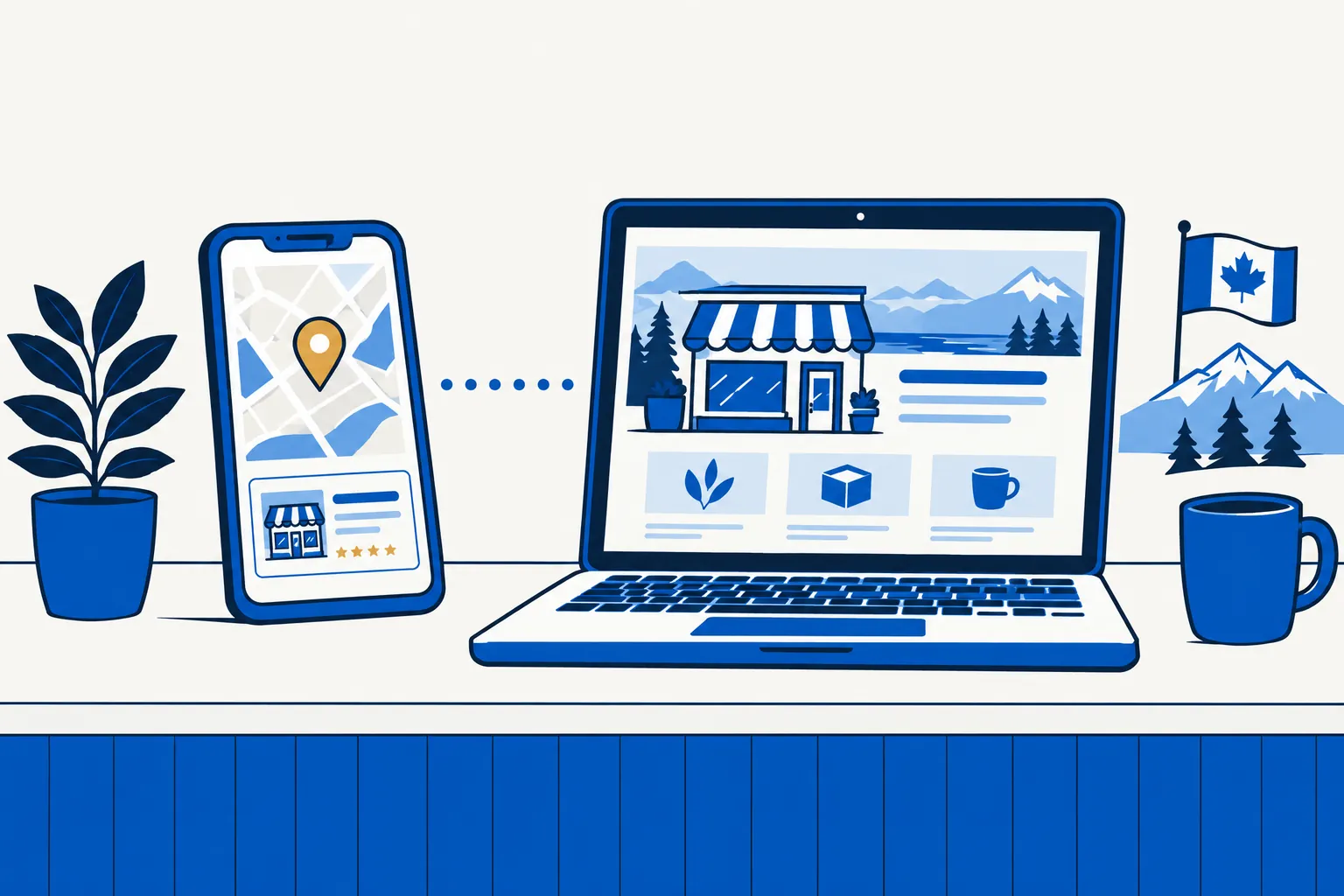
What the profile does well
The profile puts the business name, category, hours, phone, directions, photos and reviews close to a local search. Customers can act without visiting another page. Google controls the format and eligibility rules.
Google says local results are mainly based on relevance, distance and prominence. Accurate, complete information helps Google understand the business, but there is no paid shortcut to a better organic local ranking. Read the official local ranking guide.
What the website adds
A website can answer questions the profile cannot fit: which jobs you take, how estimates work, which communities you serve, what customers should prepare, and what makes one service different from another.
You control the page hierarchy, wording, calls to action and domain relationship. The site can also be linked from directories, community organizations, suppliers and the Business Profile itself.
Keep reading
Set up a Google Business Profile
Pagely's editorial team keeps this guide current for the same claim-checking process behind every page.
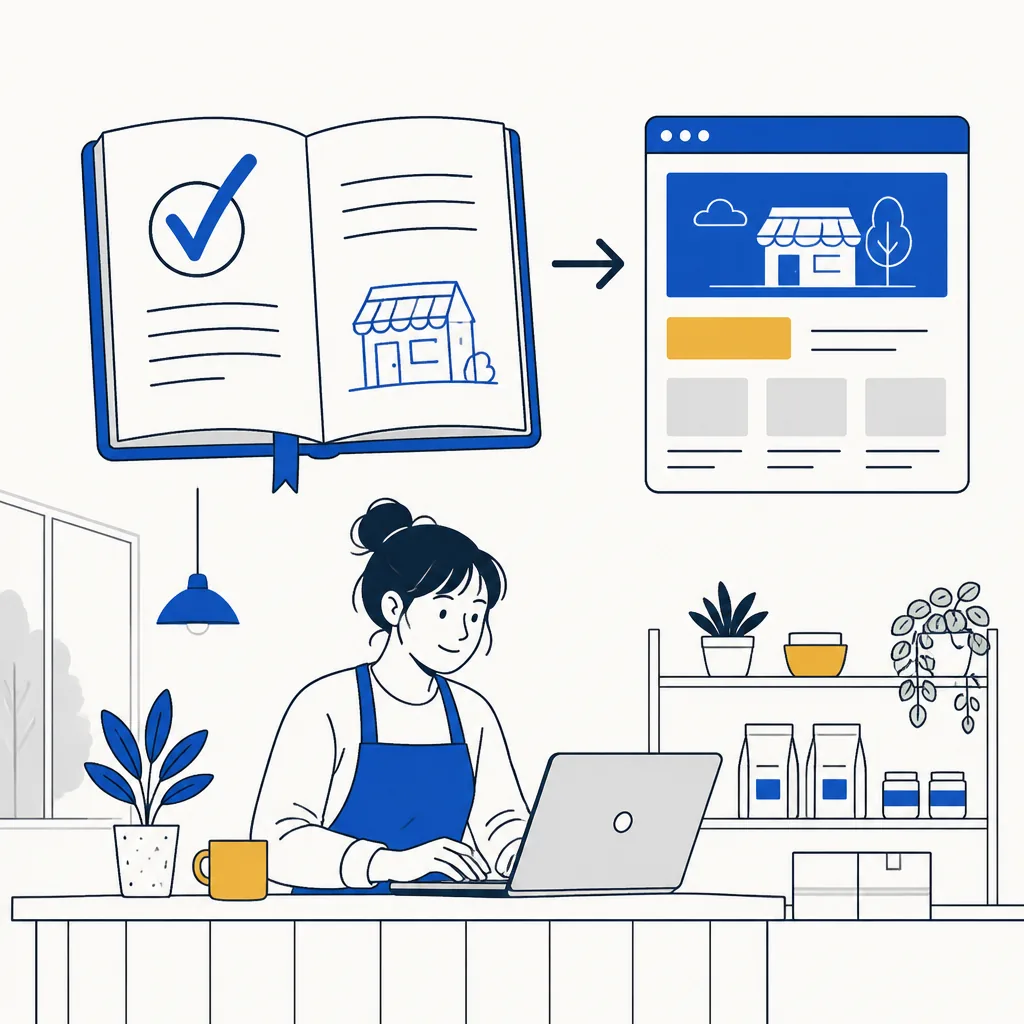
Keep the shared facts synchronized
- Use the same public name, phone, address or service area and regular hours.
- Link the Business Profile to the best page for that location.
- Update holiday closures and service changes in both places.
- Use real review text with attribution and permission or a legitimate source.
- Check the links and phone number after every domain or provider change.
Choose based on the searcher's next question
Do not postpone a useful profile until a large website is finished. Do not treat the profile as a permanent substitute for details your customers repeatedly ask for.
Sources reviewed
Product features and third-party guidance can change. These primary sources were checked on September 14, 2026.