Websites for electricians · Canada
Show your scope before the first call.
Electrical work ranges from a failed outlet to a commercial service upgrade. A useful electrician website tells visitors which work fits, where you travel and what information to include when they contact you.

Page checklist
Answer the questions behind the search.
A useful page goes beyond repeating a phrase people search. It gives the visitor accurate services, coverage, proof and a direct next step.
Residential and commercial paths
Separate the work types when your process and customers differ.
Credential details
Publish only licences and qualifications you can confirm.
Project enquiry
Ask for location, job type and a useful description before following up.
Local coverage
State the communities you serve and how travel affects scheduling.
Content strategy
Organize services around real jobs.
A flat list of electrical terms can be hard for a customer to decode. Group services into practical needs such as troubleshooting, renovations, lighting, panel work, EV charging or commercial projects, but only include work the business actually offers.
The page can give each audience a clear route. Homeowners may want a simple description and phone number. Property managers and contractors may need project scope, coverage and a form for plans or timelines. Structure helps both without forcing every visitor through the same generic pitch.
Proof and conversion
Keep safety claims precise.
Trade credentials, permits, insurance and code language deserve careful treatment. Pagely should draw them from sources you provide and never manufacture a certification. Review the generated page and add exact registration or licence details where they are appropriate to publish.
Photos of panels, lighting installations or finished commercial work can establish the kind of jobs you take on. Pair those images with accurate captions and a straightforward request for project details.
Put it into practice
Worked example: an EV charger enquiry
Give EV charger installation its own service section when it is a real offering. Explain the communities served, whether the first step is a site assessment, and which details to send, such as vehicle, parking location and existing electrical service. Do not promise panel capacity or a fixed installation price before the electrician evaluates the property.
Phrases people search
electrician near me, electrical panel upgrade, EV charger installation, commercial electrical contractor.
Related practical guides
Go deeper on this decision.
Plan useful service page copy
Read the guide →Connect your profile and website
Read the guide →
From brief to website
Bring the facts. Review the result.
Pagely can read public business sources and the details you provide, build a first draft, then check generated claims against that source brief. You inspect the design and make changes before publishing. Start free on a Pagely address and connect your own domain with Pro.
Learn how the AI website builder handles business facts or compare current plan limits.
The strongest page is specific enough to be recognized by the people who know the business.
Examples
Examples for electricians
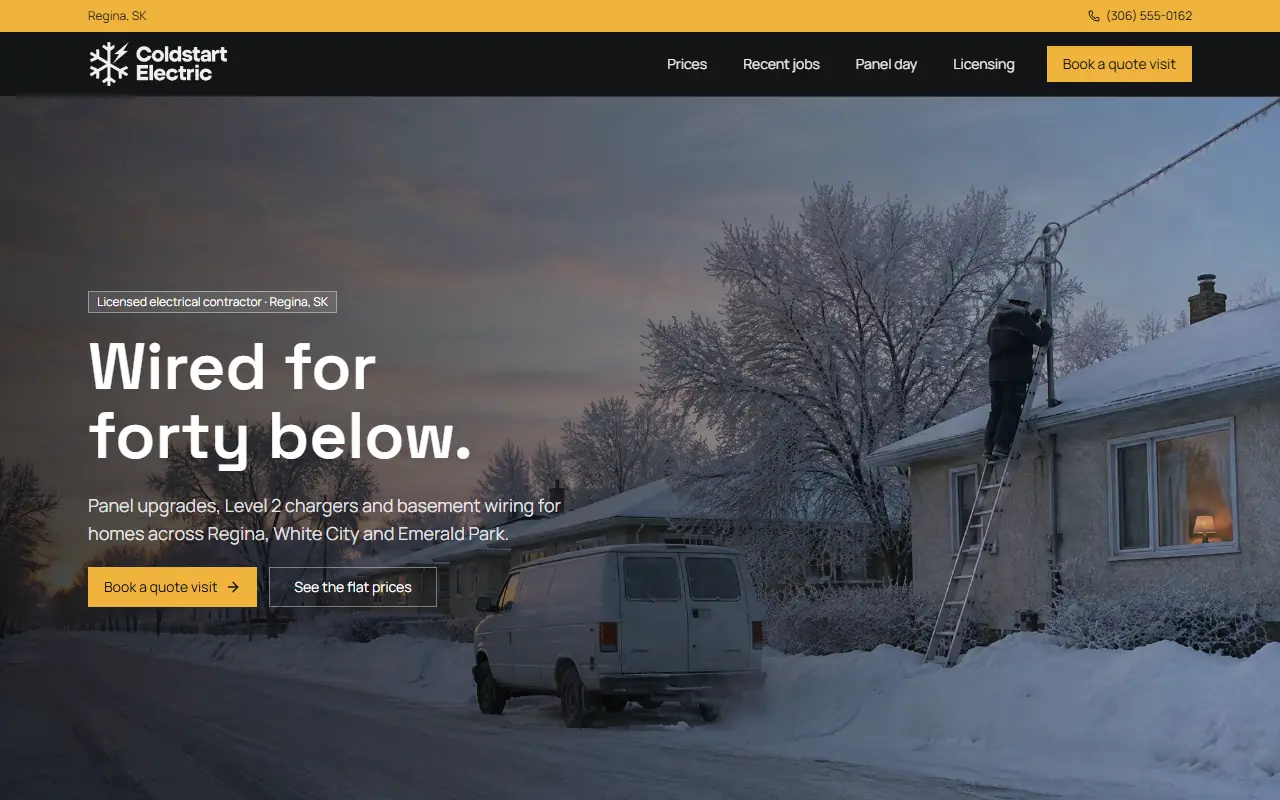
Concept sites are for fictional businesses, built only from what the editor offers, with AI-generated photos. See every example.
Built by Canadians, for Canadians
Build a website for your electrical business.
Enter your business name and town. Review the first draft before you decide whether to publish.